Say it with a Capture
Share your screen. Instantly.
Replace long emails with a quick capture
Record your screen, camera and audio
Every capture becomes a shareable link
Get started for free
Capture and Share
Got something to show? Capture it and share instantly
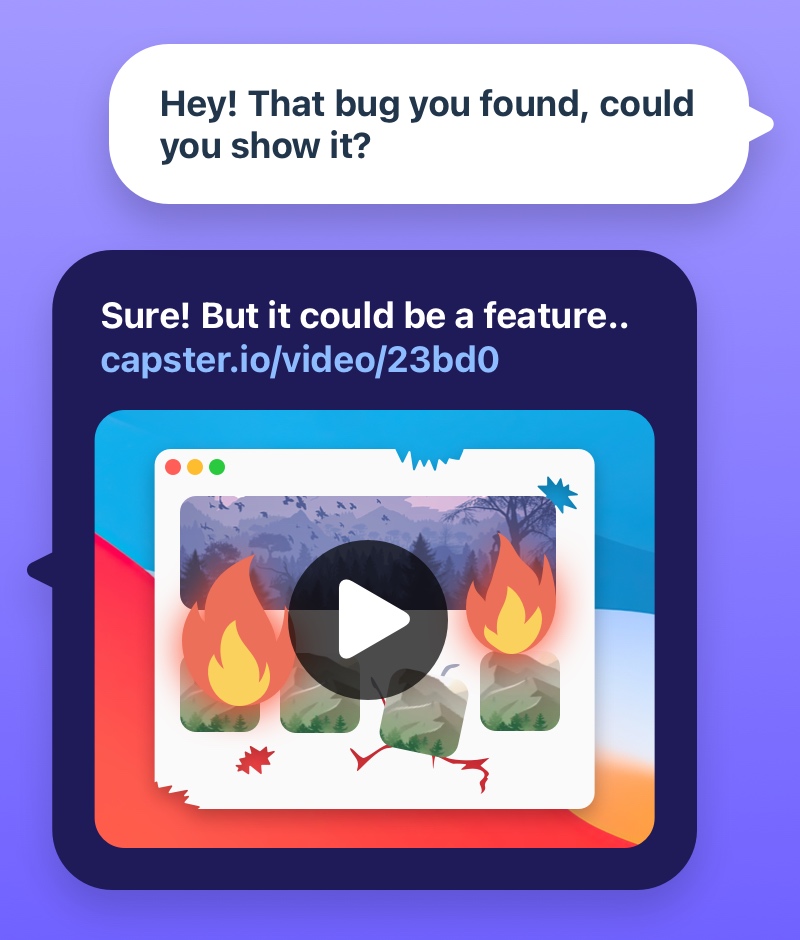
Enhance team communication by sharing captures of work and ideas
Streamline bug reporting with annotated screenshots or videos
Optimize customer support with troubleshooting videos
"Capster has helped me speed up conversations with our design department"
Philip Ehsing, Frontend developer
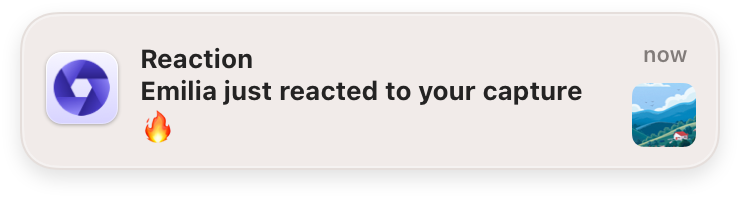
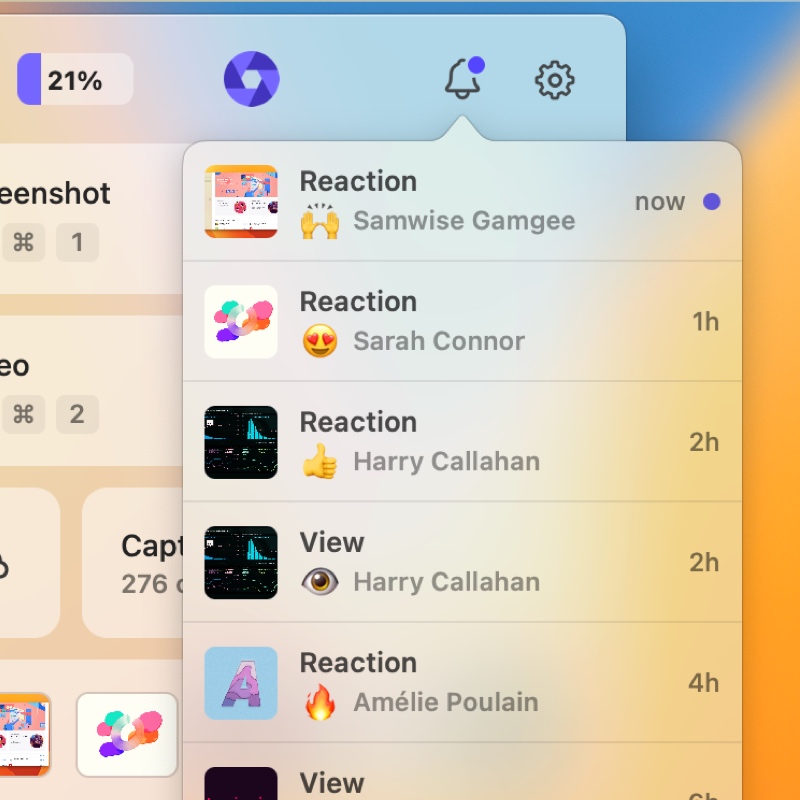
Stay in the Loop
Keep the conversation going with comments and reactions.
16
23
42
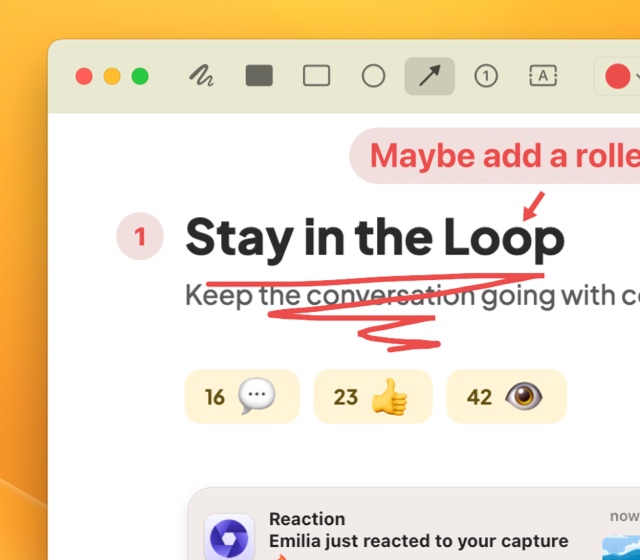
Annotate and Edit
For those finishing touches
Annotate on screenshots to emphasize important points
Edit your videos - keeping only what's essential
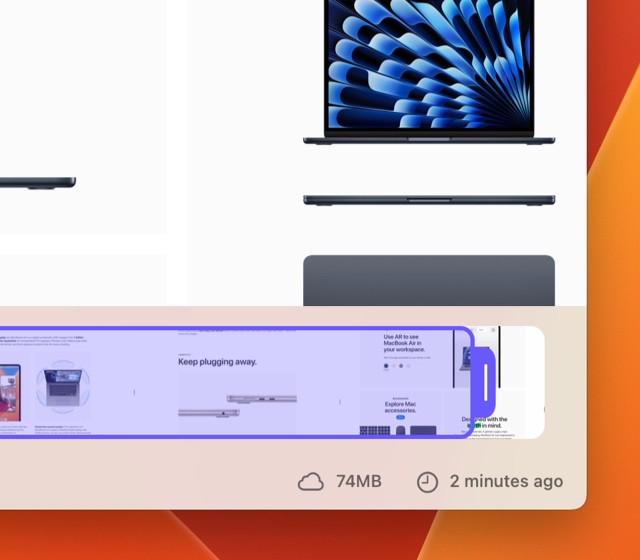
Want to save a capture locally?
Just drag it to any location on your computer
Save screenshots and videos locally with a simple drag and drop
Set captures to auto-delete after a specified time period
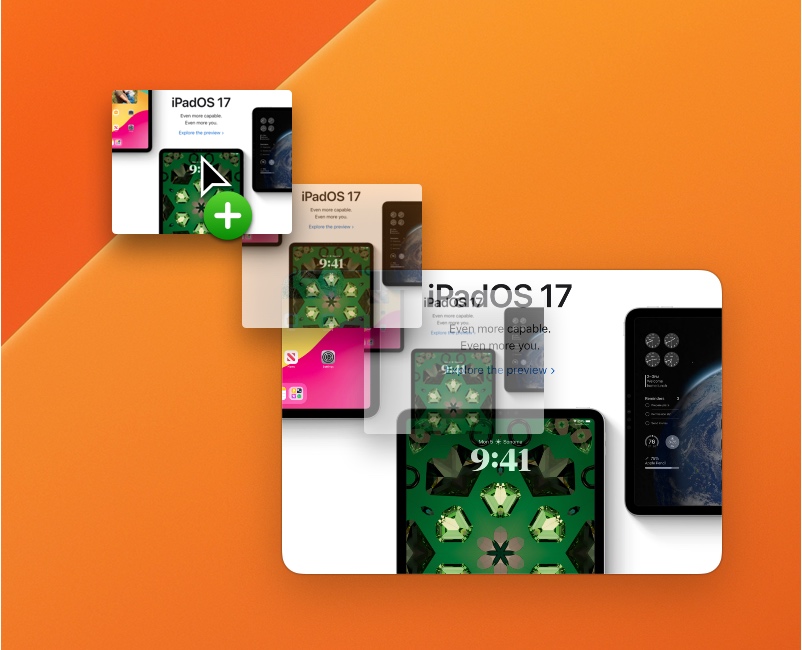
Collaborate in Spaces
Invite team members to collaborate in shared spaces
Organize and share captures within Spaces
Restrict Capture access to team members only
Your Captures, Securely Stored
We prioritize the security of your Captures
Captures are stored in your personal Amazon Cloud Storage, leveraging Amazon’s robust security infrastructure
Only you can access your personal storage, ensuring your content remains private
When you share a capture, we confirm it’s a valid request from Capster using special codes
It's all in the App
View and manage your captures from the App.
Browse your captures
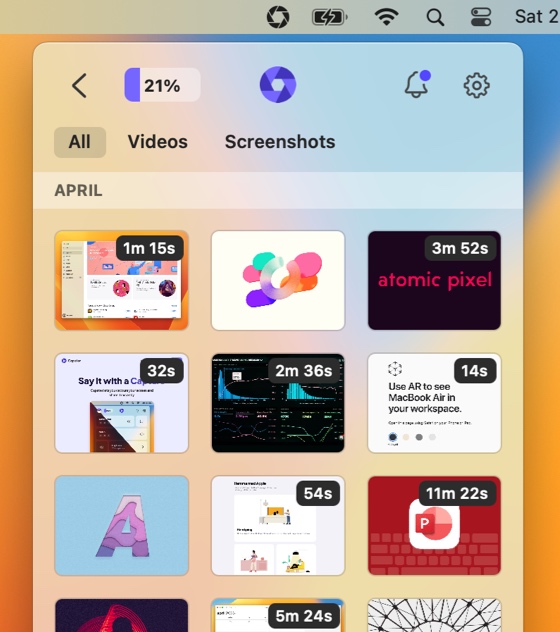
Simple controls
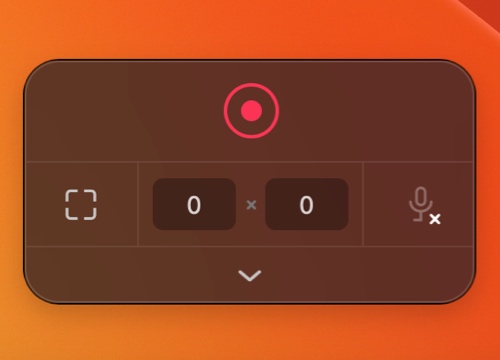
Advanced features when you need them

Auto-Delete captures

Capture system audio
Native MacOS App
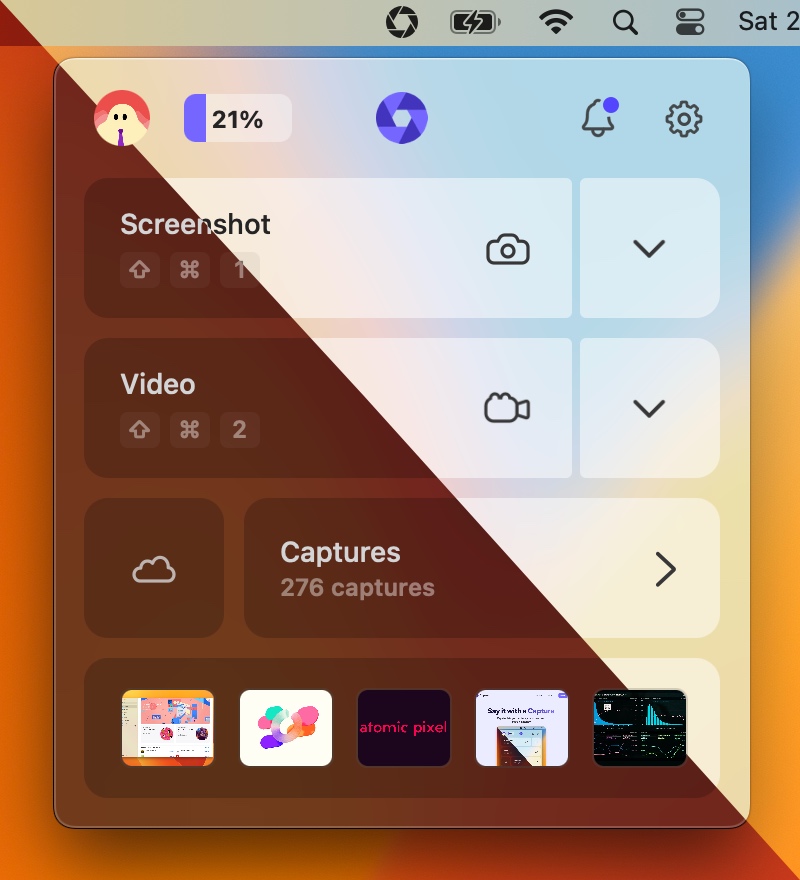
A native app that performs and behaves as you expect
Cloud App
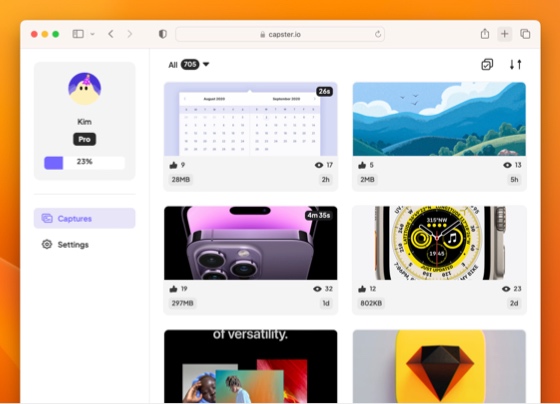
The bigger companion to the desktop app
Quick preview
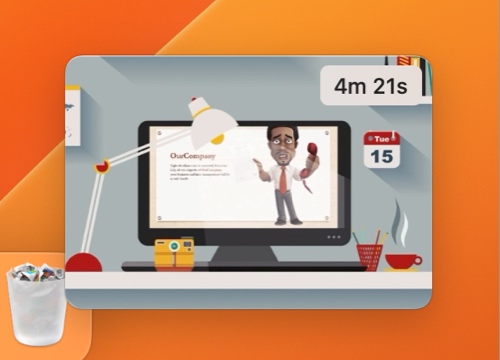
Quick controls to manage your capture

Record your microphone
View and play your captures
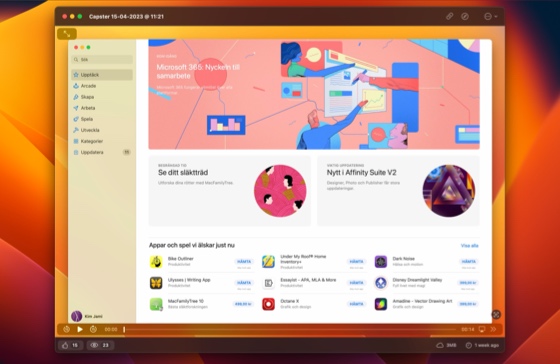
Browse your captures
Simple controls
Advanced features when you need them
Record your microphone
Quick preview
Quick controls to manage your capture
Auto-Delete captures
Capture system audio
Native MacOS App
A native app that performs and behaves as you expect
Cloud App
The bigger companion to the desktop app
View and play your captures
Pricing
Get more out of Capster
Free
Free forever
Features
1GB storage
Unlimited captures
Unlimited recording length
1080p/30fps recordings
Lossless screenshot quality
Pro
$4 /month
Features
25GB storage
Unlimited captures
Unlimited recording length
4k/60fps recordings
Lossless screenshot quality
Custom Branding
Pro Plus
Available for Individuals & Teams
$8 /month
Features
Unlimited storage
Everything in Pro Subscription
Frequently Asked Questions
Everything you need to know about Capster
Capster is a screen capture and sharing tool that lets you quickly take screenshots and record videos of your screen, then instantly share them via the cloud.
Yes! Capster offers a free plan with unlimited captures, unlimited recording length, 1GB of storage, and 1080p/30fps recordings. Pro plans are available for additional features like 4K recording, more storage, and custom branding.
Capster is available on macOS via the Mac App Store and on Windows via the Microsoft Store.
When you take a capture, it's automatically uploaded to your personal cloud storage. You get an instant shareable link that you can send to anyone. Recipients can view your capture directly in their browser.
Absolutely. Your captures are stored in your personal Amazon Cloud Storage with enterprise-grade security. Only you can access your storage, and shared links are validated using secure tokens. You can also restrict access to captures by sharing them within a Space, so only authenticated team members can view them. Learn more on our Security page.
Spaces are collaborative workspaces where you can organize captures and invite team members. They're great for keeping project-related captures organized and accessible to your whole team. You can also use Spaces to restrict who can view your shared captures.
Yes! Capster can record both system audio and your microphone, making it perfect for tutorials, presentations, and walkthroughs.
Free users can record at 1080p/30fps. Pro users can record at up to 4K/60fps for crystal-clear captures.